
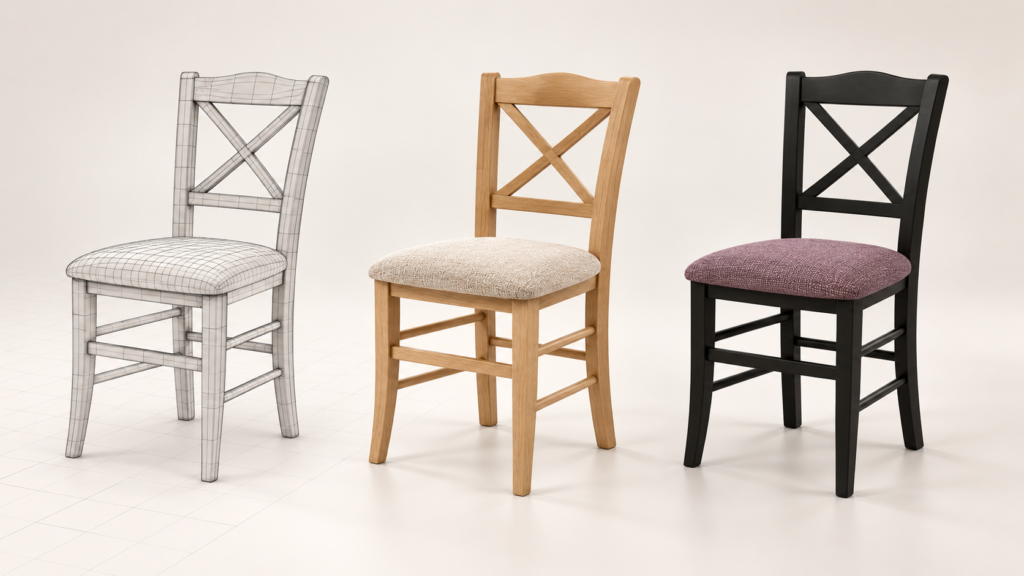
Digitalising products brings savings in product preparation, presentation and sales. It also creates room for new ideas, a wider range and faster responses to customer preferences. This is the direction in which we have developed our 3D configurator. Its latest version connects product selection with the day-to-day work of sales teams and decisions about what a business will offer next.
Why We Took Our Configurator Further
Every new product variant involves a series of tasks. Its appearance needs to be designed and reviewed, the details agreed with the manufacturer, and sales materials prepared. When all of this relies on physical samples, photo shoots and separate presentations, each additional combination means more time and expense.
A digital model makes it possible to connect much of this work. The product a business uses to explore new materials can later be used to create product visuals, support sales presentations and help customers choose a particular version. This continuity is central to the further development of our configurator.
Our aim is to make working with a product easier throughout the process and to make its possibilities accessible to the people making decisions about it.
Customers Can Adapt a Product to Their Needs
For customers, the benefit starts with a simple question: What will the version I want to buy look like? In the configurator, they can choose materials, colours or individual components and immediately see the result in 3D. Rather than imagining combinations from a sample book, they can explore a specific version of the product.
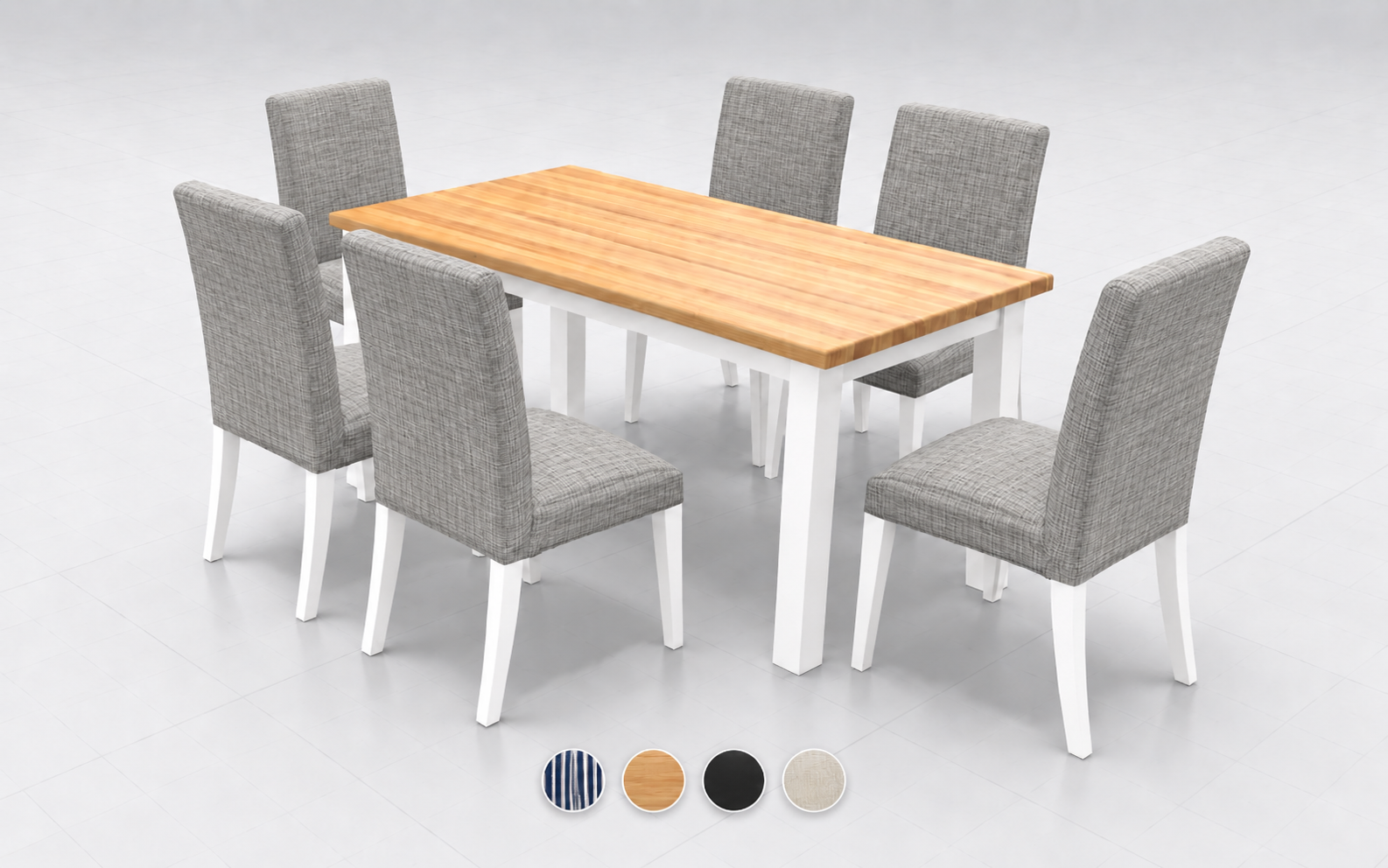
For products with adjustable dimensions, they can also change the size. When adjusting the length of a table, for example, they immediately see its new proportions and how these affect the appearance of the whole set. Their selection becomes closer to what they actually need for their space.
When working with larger sets, selecting an entire assembly makes it possible to edit several parts at once. The material unification function makes it easier to coordinate individual elements. Customers and sales representatives can quickly compare different dining set finishes without repeating the same change for every chair. More of the meeting can be spent finding the right combination.
They Can Share Their Selection and View It at Home
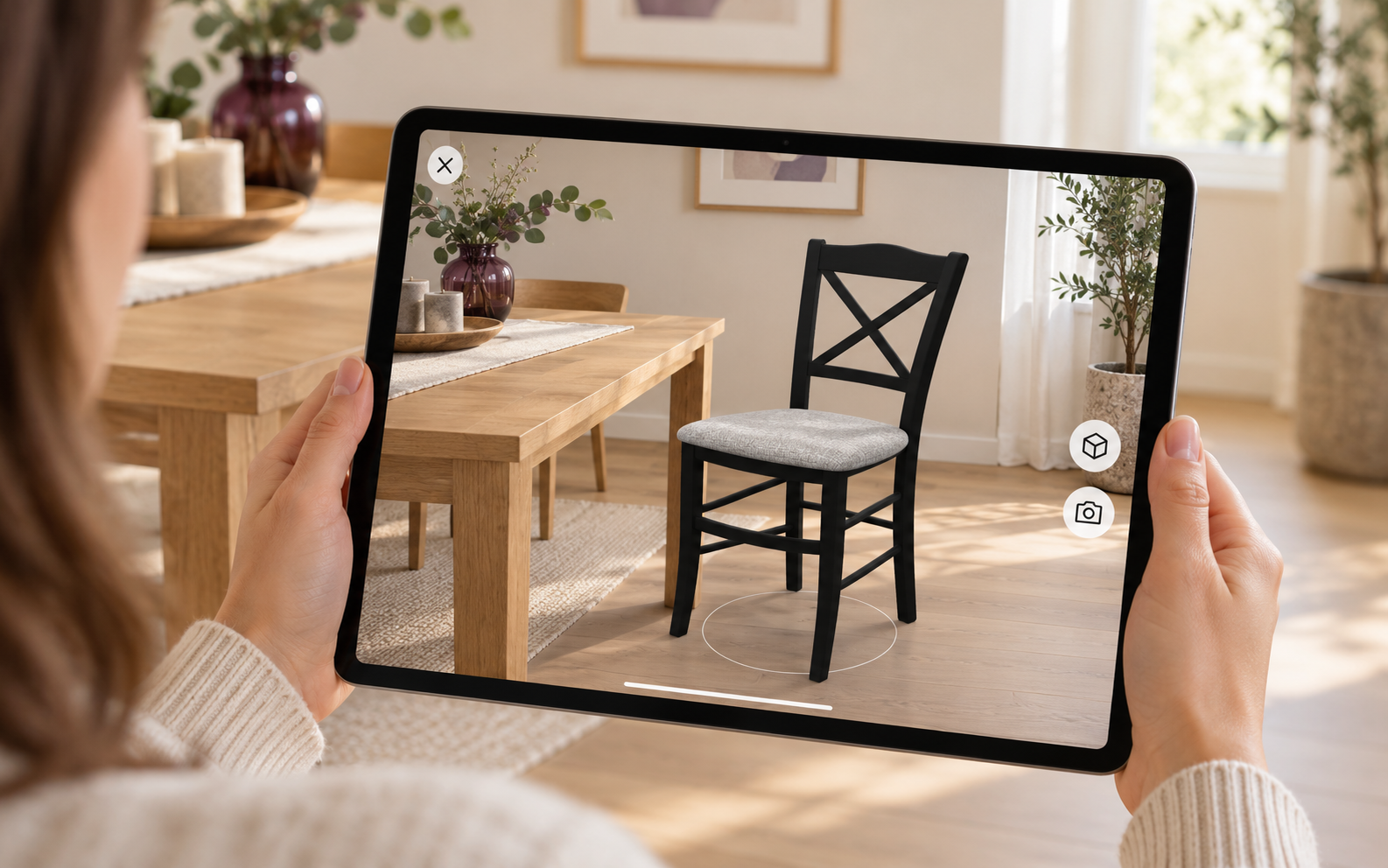
Choosing a product can continue beyond the showroom. A specific configuration can be shared through a link or QR code. Customers can send it to a partner, architect or sales representative, with everyone working from the same design. Later conversations can easily pick up from the selected materials, dimensions and version.
A QR code can also connect a printed catalogue with an interactive presentation. Customers find a product on the page, scan the code with their phone and open its 3D version. They can then make their own selection and view the finished configuration in their home using augmented reality. This gives them a better sense of its scale, proportions and how it will look alongside their existing furniture.
Businesses Can Develop Their Range Before Manufacturing
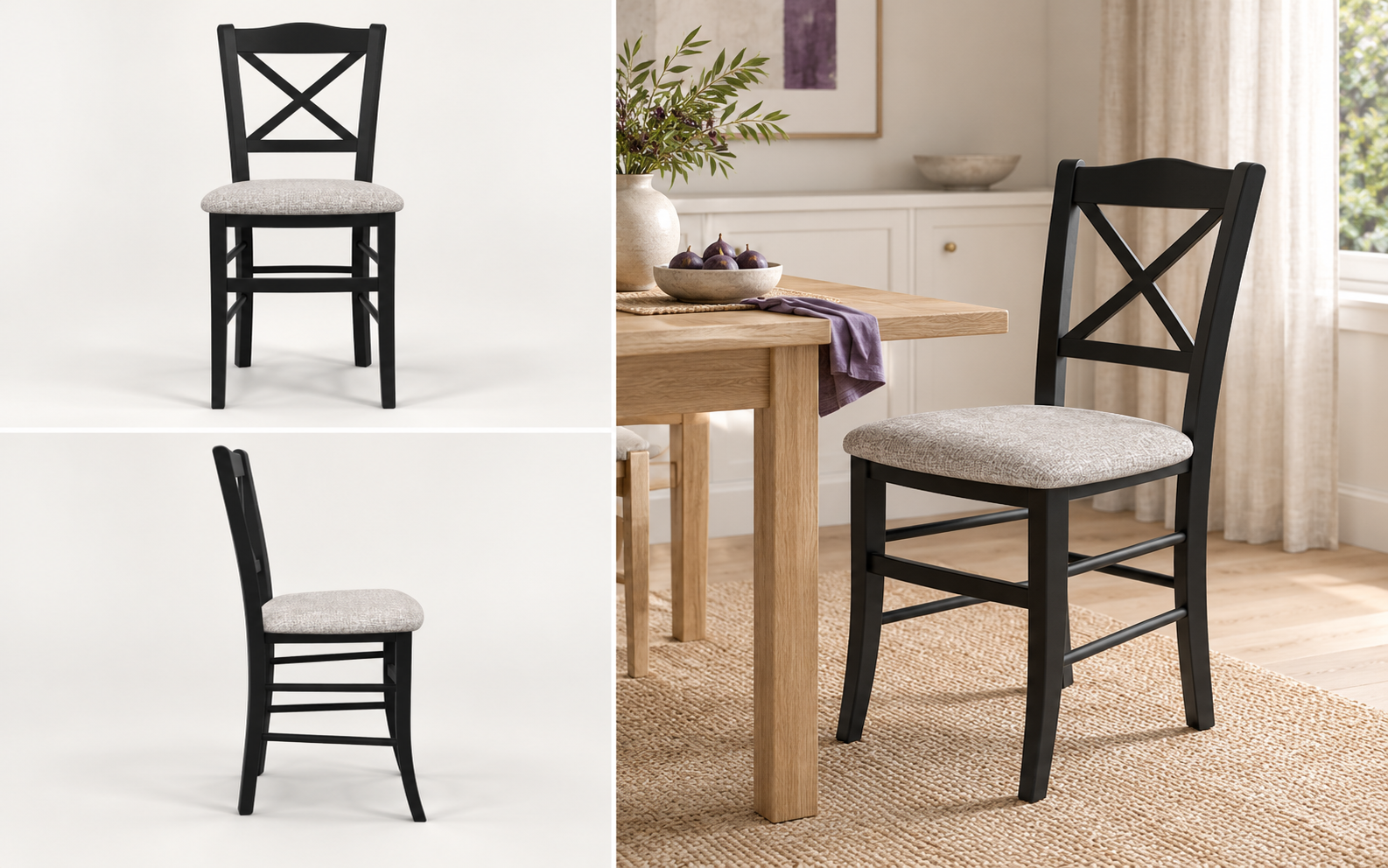
For businesses, new possibilities begin before the product reaches a customer. The configurator can be used to explore versions that are not yet in the range. How would a familiar chair look with a black frame? Which upholstery would give it a different character? Would a lighter version suit a new collection?
The initial visual review can take place digitally, without manufacturing a separate sample for every combination. Selected designs can be shared with colleagues or submitted to the manufacturer for review. A business can explore more possibilities and focus further work on the variants it actually wants to develop.
This also creates room for a more flexible product range. If customers start looking for different materials or colours, a business can first prepare new combinations in 3D, compare them and discuss their production. It can also explore suitable variants for different customer groups, seasons or markets. Expanding the range becomes easier to consider when a new idea can be seen straight away.
One Model Also Supports Presentation and Sales
Once a version has been approved, the next step is to prepare sales materials. HQ mode improves the quality of the product display, while the ability to generate product images allows the model to be used for quotations, online stores and catalogues. There is no need to manufacture a piece and arrange a separate photo shoot simply to present each variant visually.
The same model then supports sales representatives during customer meetings. They can show the available options, adjust a set together with the customer and send them a specific design. Customers can continue from that work when making their decision at home. Digital assets follow the product from the first variant design through to presentation and sales.
We are continuing to develop our configurator in this direction: as a tool that helps businesses work more efficiently, explore new possibilities and adapt their range to the market. At the same time, it gives customers greater freedom of choice and a clearer picture of the result.
Try our 3D Configurator and explore its capabilities with a real product. We would be happy to discuss how it could support the preparation and sale of your product range.
You can also explore our 3D & AR Viewer and Interactive Product applications.